
V720 APP
Qiangui IoT Technology Co., Ltd
V720 APP is an application independently developed by Guangzhou Qian Gui IoT Technology Co., Ltd. for network configuration of its accompanying monitoring video products.
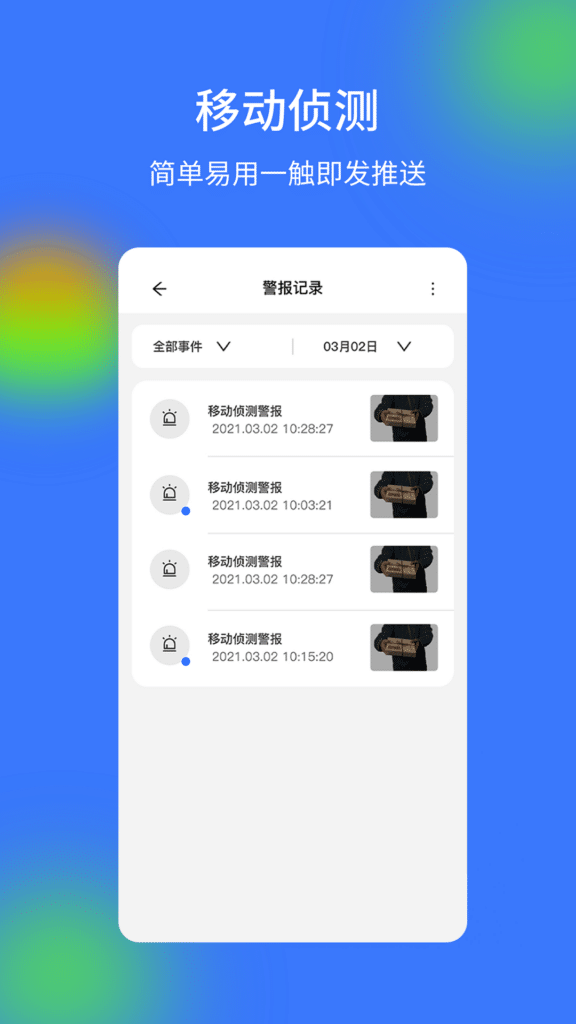
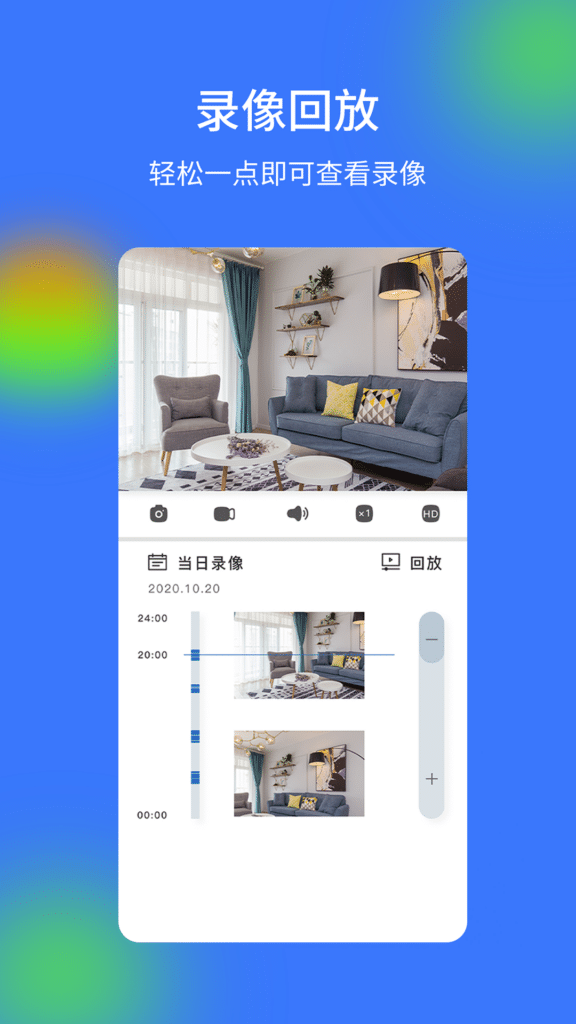
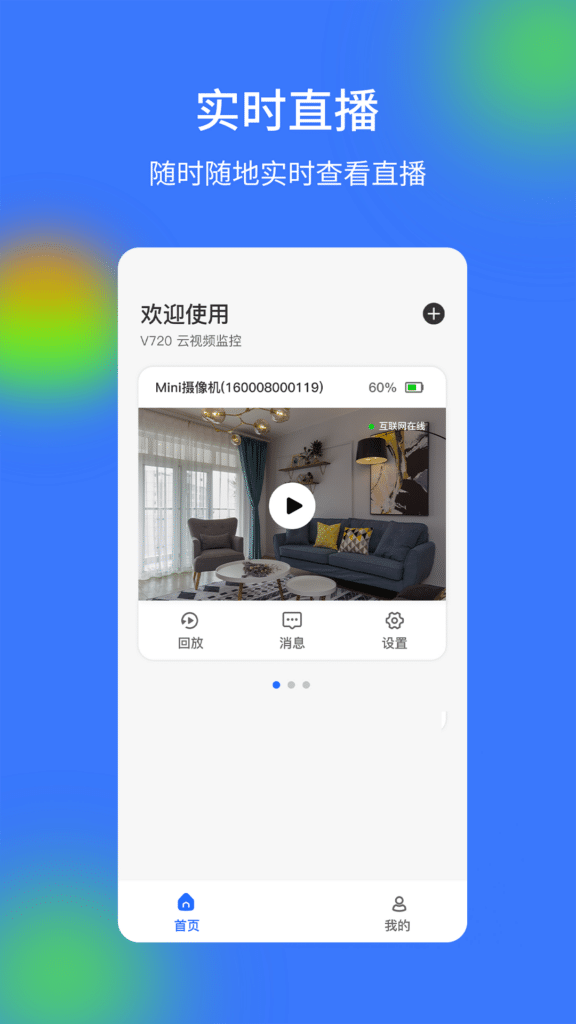
V720 App Screenshot
Update Content
- Fixed known issues.
- Optimized user experience
Usage Summary
V720 is a surveillance video service client for home users. With "V720", you can easily view the real-time video and historical video of your apartment, villa, shop, office and other places. Through the alarm service of "V720", you can receive abnormal alarms from the device in real time through APP push and WeChat public account push, and check them at the first time. V720-24-hour cloud surveillance video.
User Reviews
To me it worked. You just have to follow directions. I don’t understand all these bad reviews complaining about the app being useless.
Look it’s pretty simple download app. Plug camera into power hold & press button on camera until blue light flashes fast. Go to app add device if your not using bluetooth continue add wifi, select your wifi in list, put in your password & your done. Dont click on the adds or updates it offers you it’s just a add. Your good to go. You can run on wifi without SD Card or pop 1 in. Get a longer USB cord would be my recommendation lol.
Love how they can be upside down and can make it normal way .. and I have 2 plus ordered another .. When u open up the app and you connected the camera(s). When the camera view comes up at the beginning with 2 devices I have to slide to the left and other one shows up.. best to label each camera so u can tell when sliding to left at topLove how they can be upside down and can make it normal way .. and I have 2 plus ordered another .. When u open up the app and you connected the camera(s). When the camera view comes up at the beginning with 2 devices I have to slide to the left and other one shows up.. best to label each camera so u can tell when sliding to left at top.